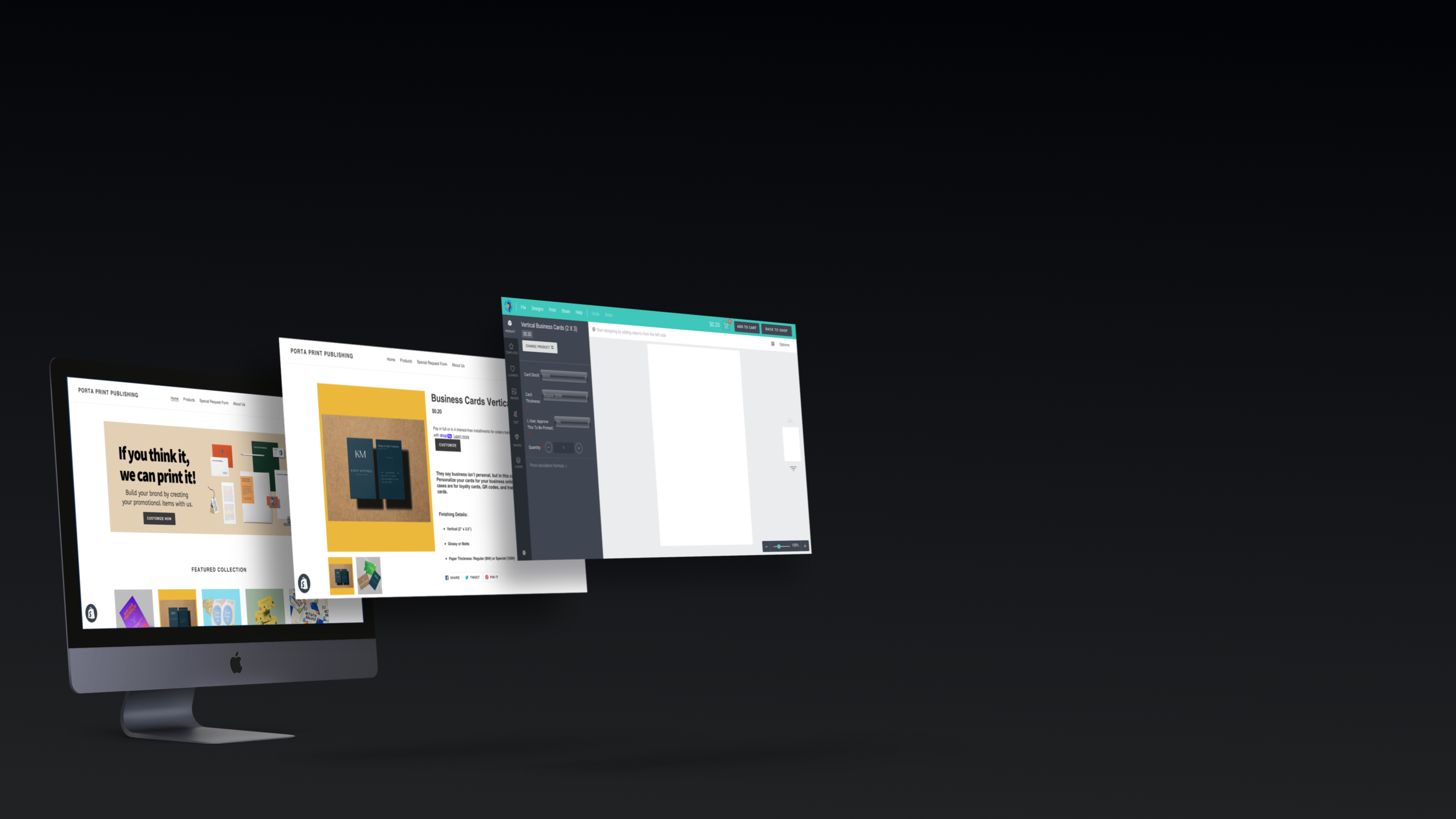
CREATING A BRAND NEW ONLINE EXPERIENCE
Website Building | Product Mock Ups | Design | Product Copy
“I wanted a way for customers to experience our services digitally. If similar businesses could do this, then we definitely can! Plus, it would give us a better edge against our competition. Porta Print Publishing, must go digital!”
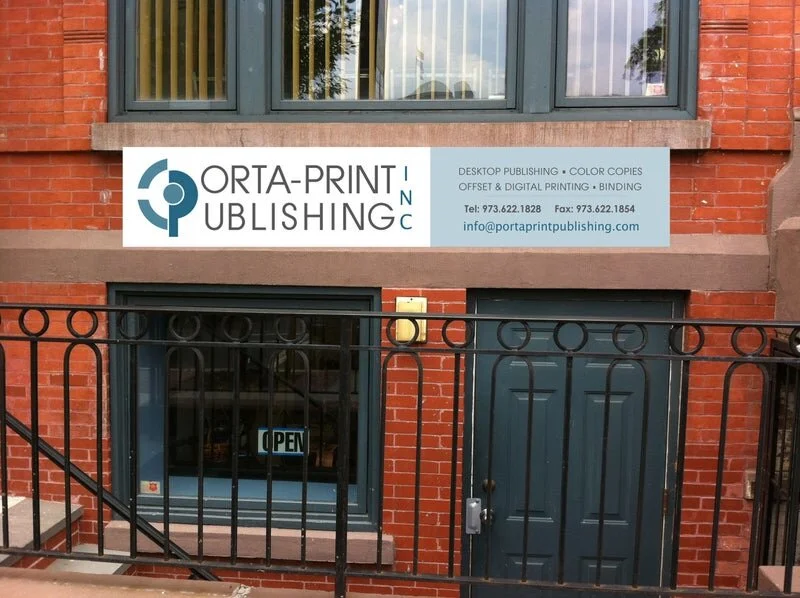
Company Overview
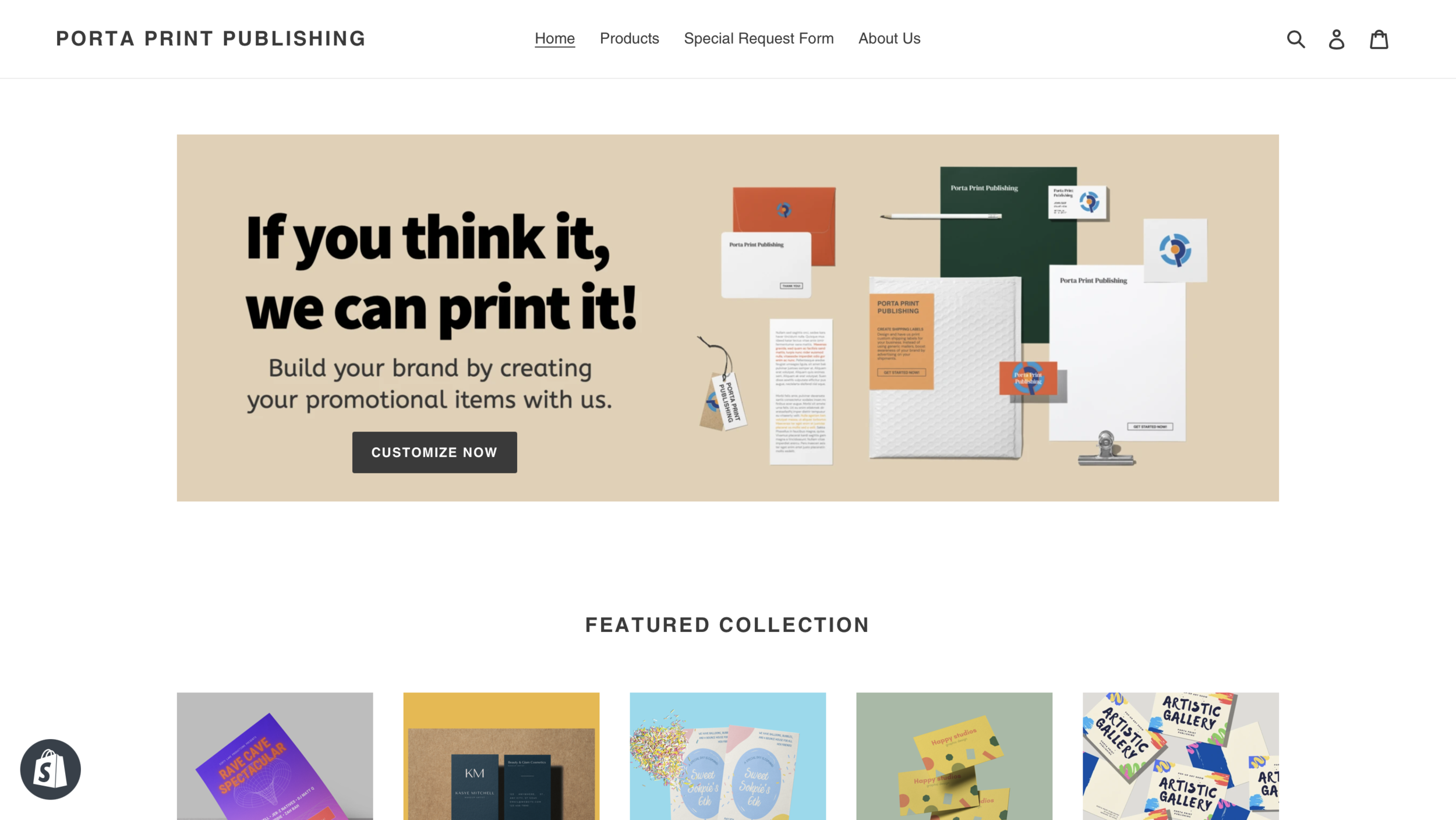
Porta Print Publishing is a company that has been operating over 25 years. I recently had the chance to join and be a part of the business by streamlining their digital presence simply by the use of paid ad/social, email campaigns, creating a new e-commerce website, and building their social media platforms. We service the NY/NJ area and happen to be a vendor for local universities, including Rutgers University. That meant the company was seeing a significant amount of traffic and daily sales. Once, the pandemic hit, both sales and traffic took a hit on company performance. After many meetings, Porta Print Publishing decided to fully commit to “going digital”. For this specific project, I’m going to focus solely on the creation of an e-commerce store for the company.
Problem
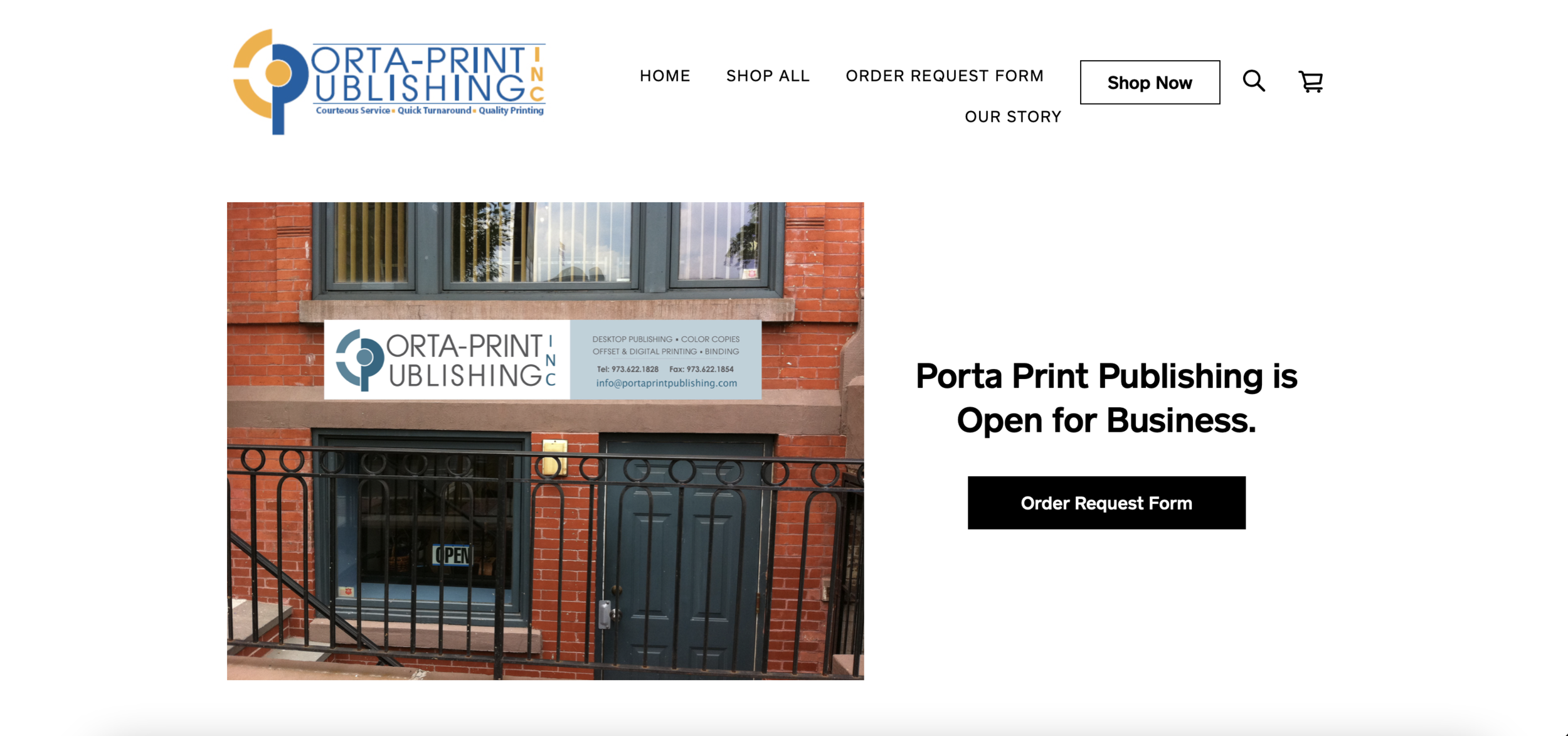
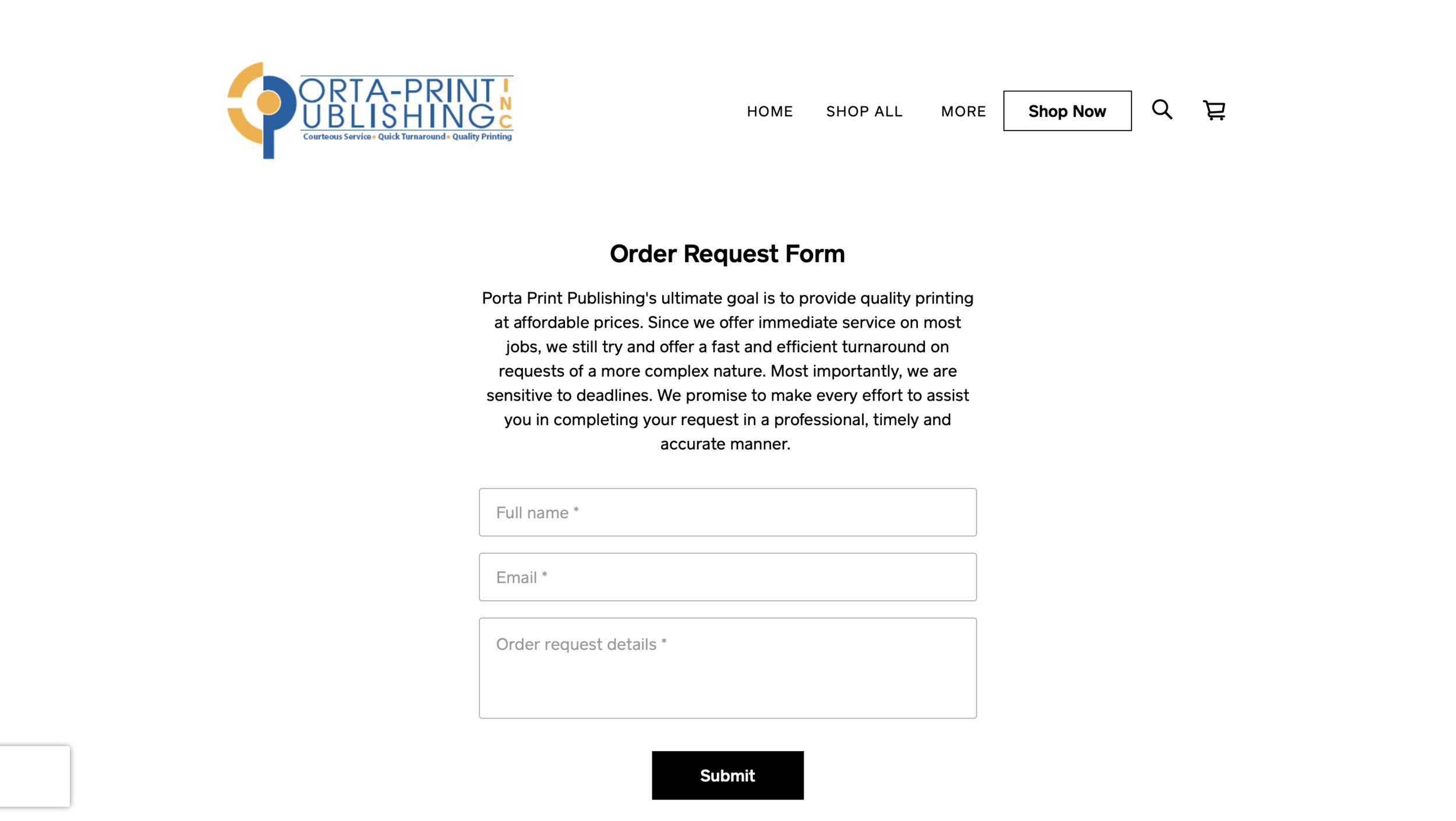
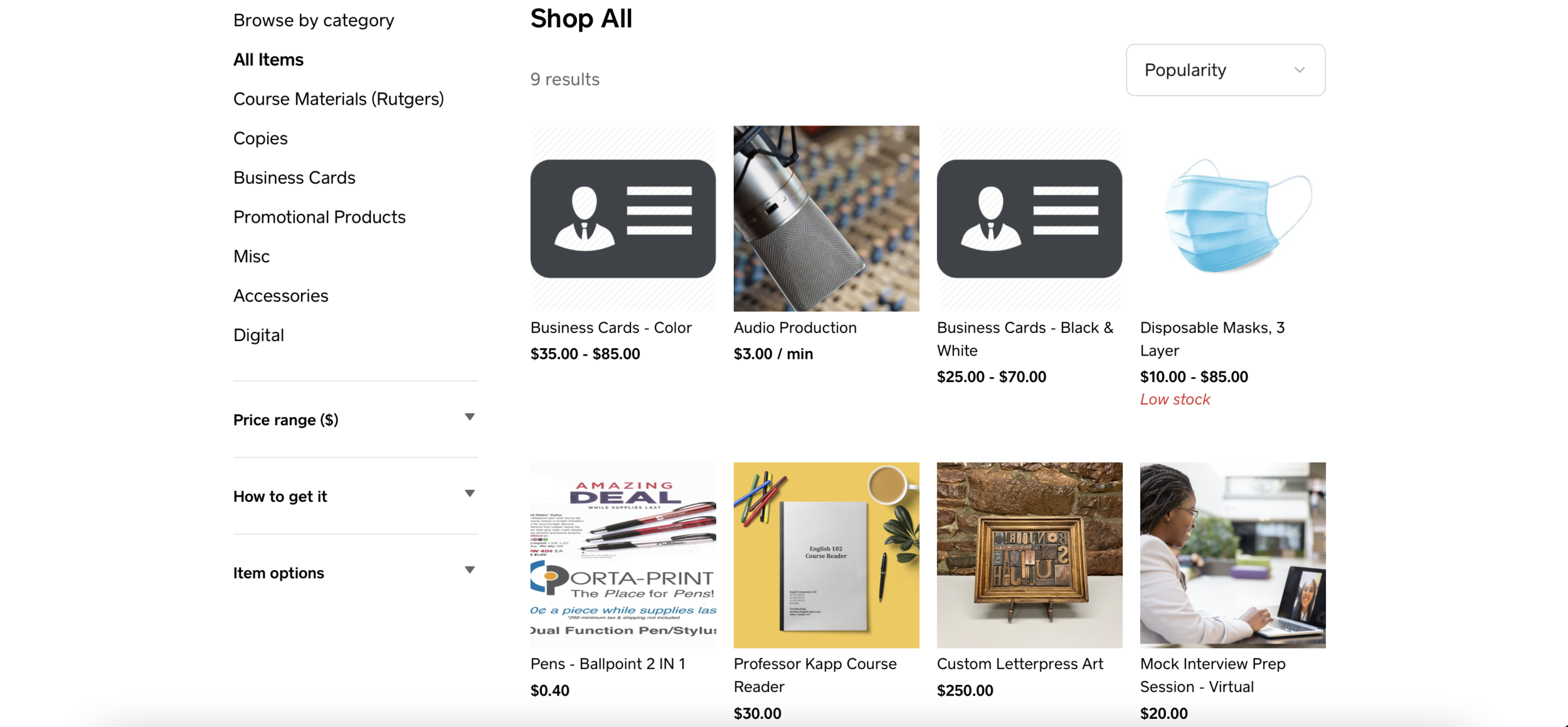
Porta Print Publishing lacked an online environment where customers can experience the services the company has to offer. Customers were allowed to submit “Order Request Forms”, but sometimes customers would rather eliminate the plentiful interactions through email. We needed a way to create a seamless website that would allow this. Below are snapshots of what the website looked like previous to its newly updated website.
The Process (Step-By-Step)
-
1) Researching the Best CMS Platforms
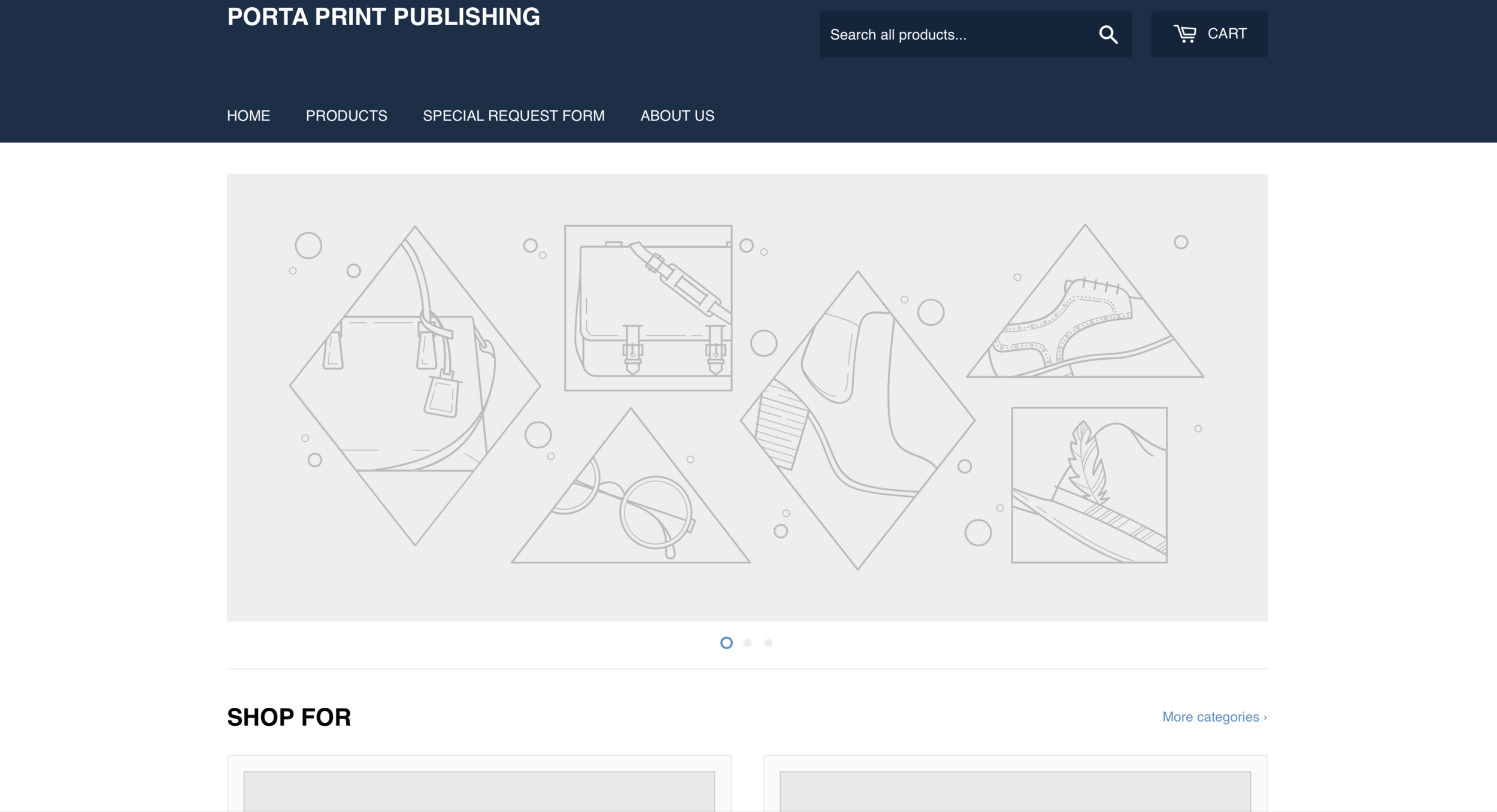
While it was overwhelming trying to decide which platform to go with, I knew that the platform needed to have e-commerce capabilities, compatibility with plugins, and be EXTREMELY user-friendly. (I didn’t want to spend much time building the website.) Because of those requirements, my options were stuck between Shopify & Wordpress. Since we’ve had history with WordPress, I decided to move forward with that platform…Worst decision ever! I found myself stuck developing the backend of the website for a month and a half. I found it to be a task. I had planned on building the website and developing online marketing plans. I felt nowhere near to completing those goals. I then switched platforms and went to Shopify. I found myself being able to develop a rough draft of the website quickly and use minimal HTML to install certain plugs. Before I knew it, Step one was completed!
-
2) Finding Product Customizer Plugin
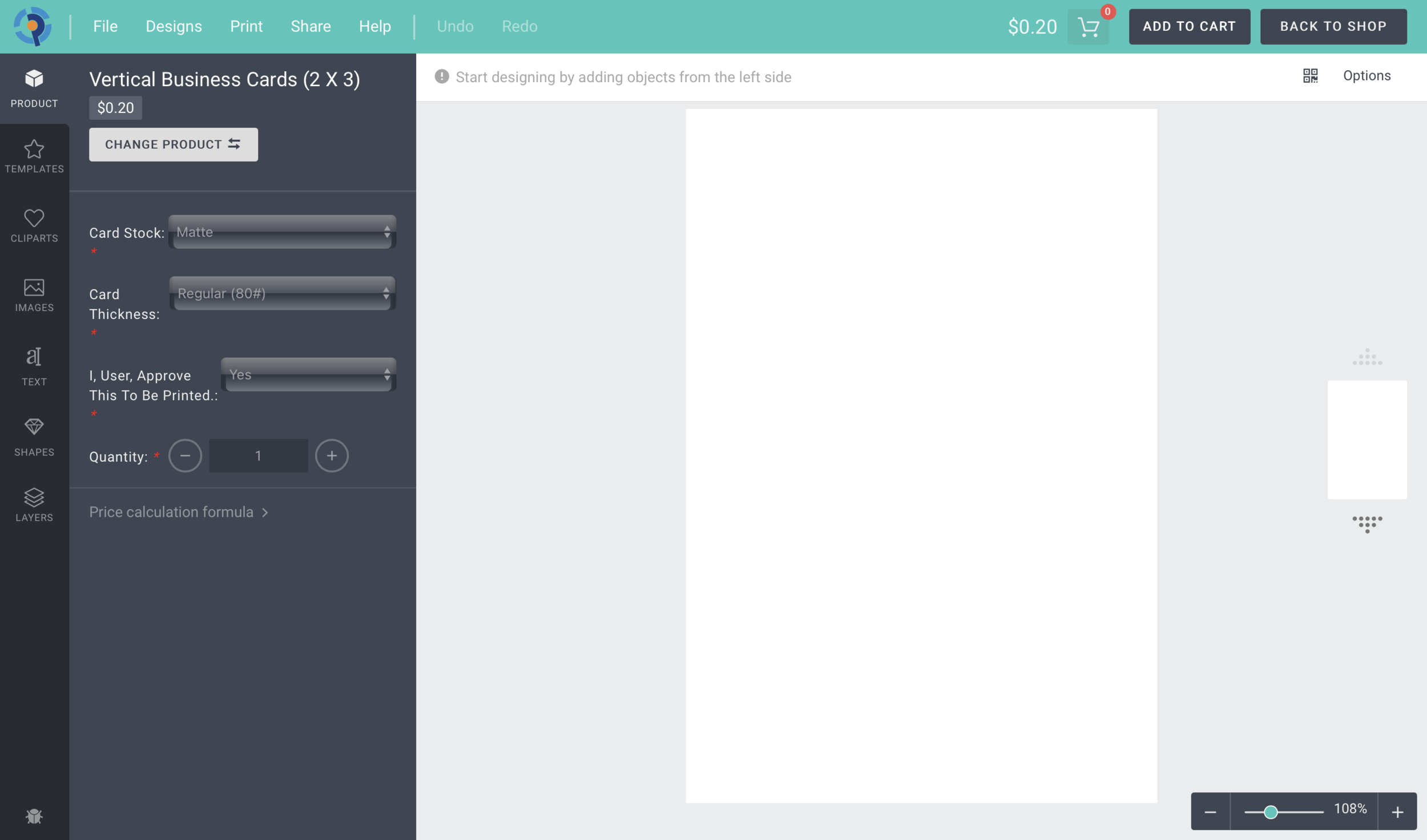
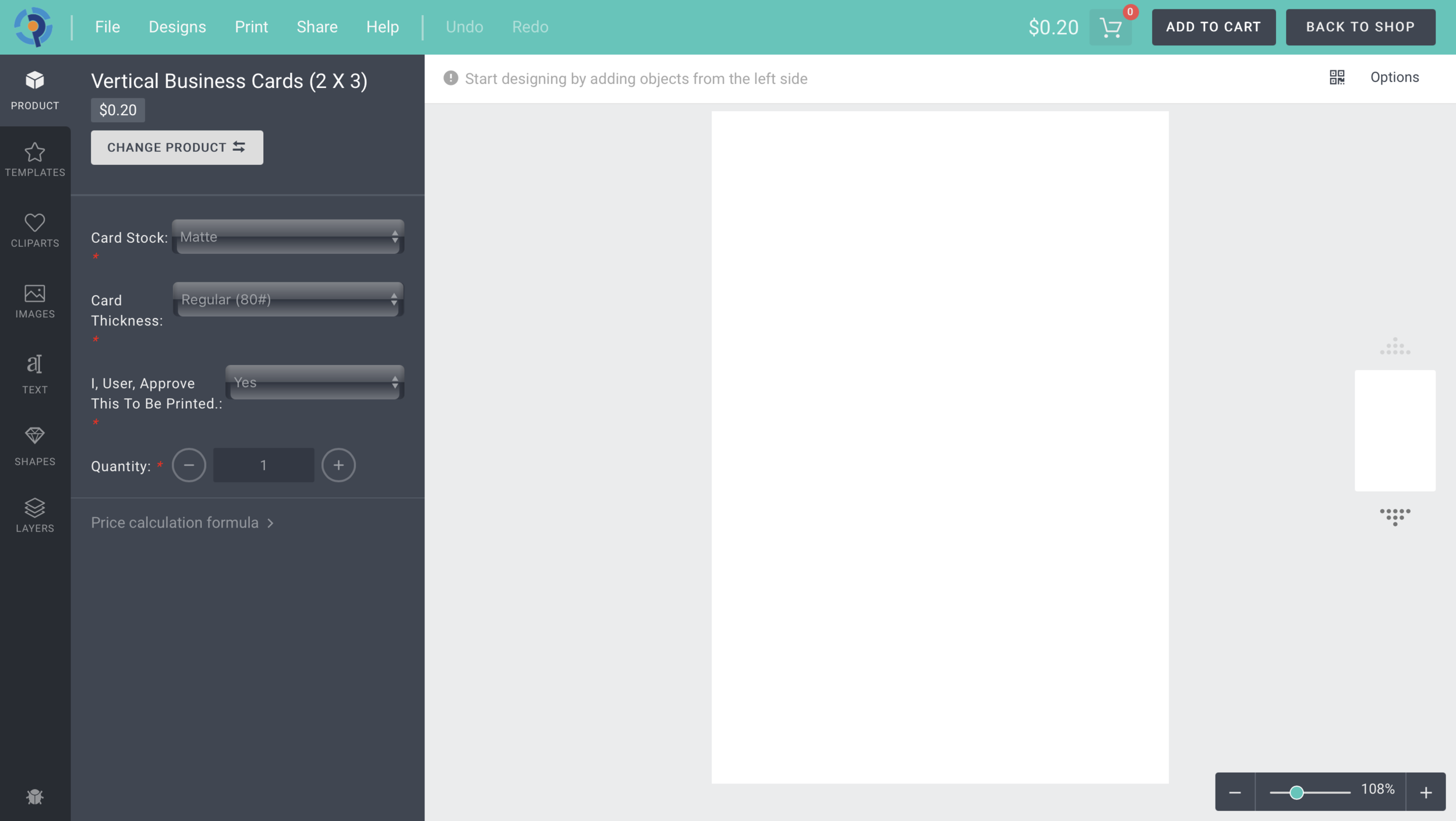
Finding a product customizer plugin was the most important part of this project. Without this plugin, my plans for the company’s e-commerce website would be completely thrown off track. There were many factors in finding the best solution for our small business, compatibility with Shopify, user-friendliness, and affordable. While doing research, I found that high quality plugins would cost around $2000 to $4000 for setup with monthly fees ranging around $100-$400. Right off the bat, I knew this would be out of the company’s range. Over the course of a month, I conducted meetings with companies that created the plugin needed for our website. From those meetings, I learned that not only am I vetting the credibility of the product, but also the company and its history. I learned how to conduct background checks, ask for referrals, and review the company’s sample work… In this process, I developed a lot more respect for what recruiters & hiring managers go through when finding “the best candidate”. After multiple rounds of research, I came across the most compatible, affordable, and user-friendly option.
-
3. Creating Product Line, Descriptions, & Pricing
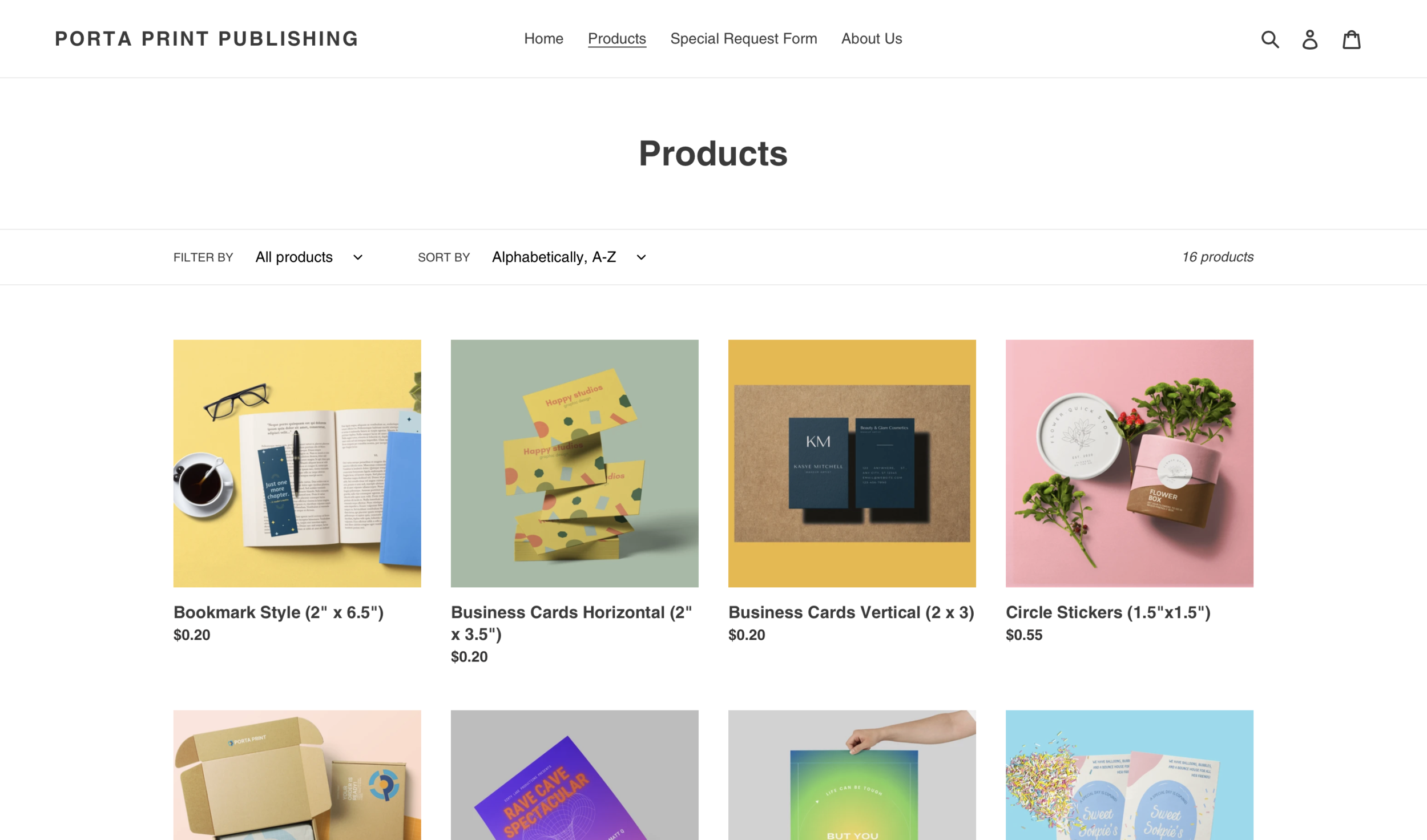
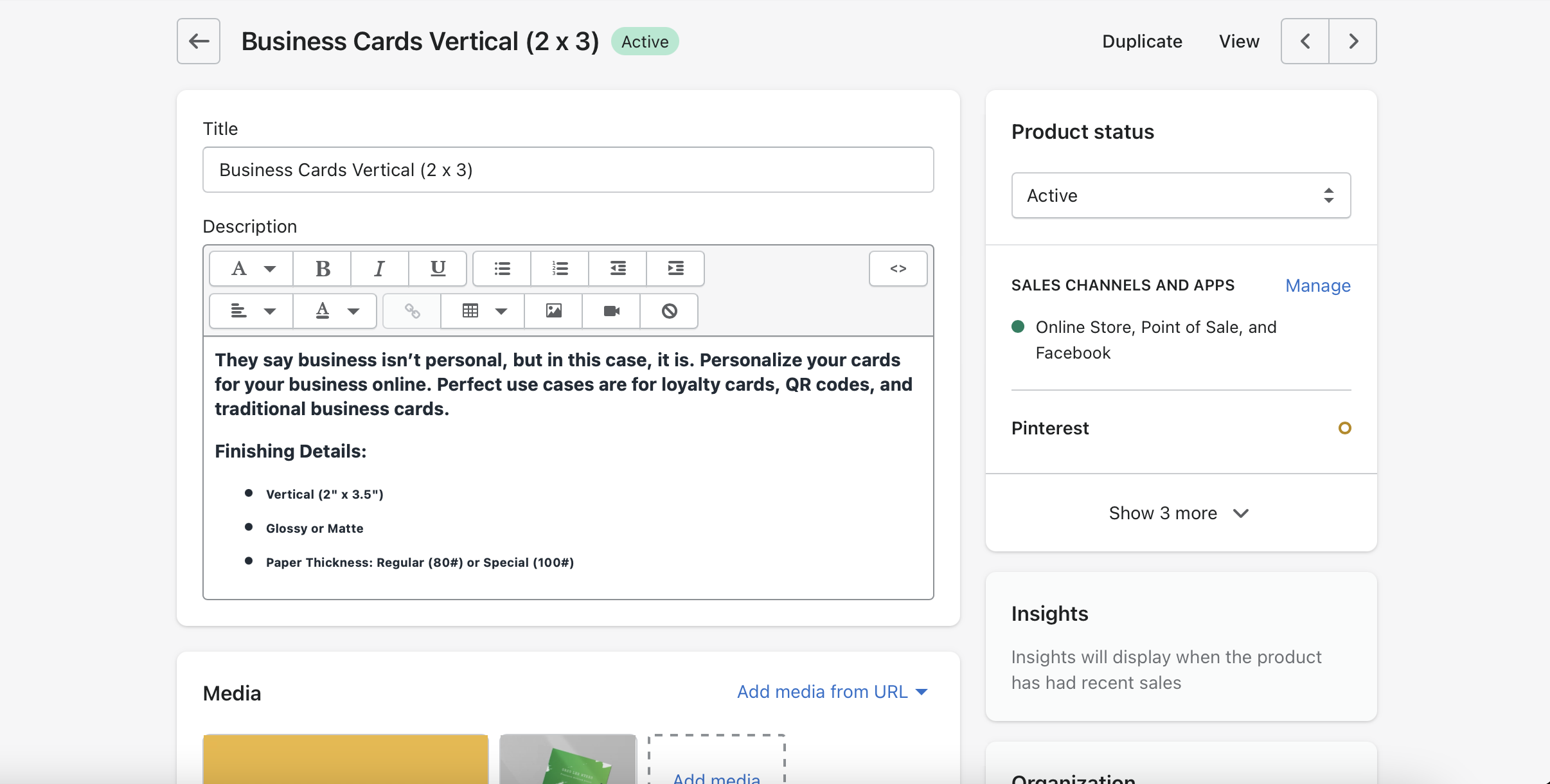
After having the backend of the website developed, I needed to have a basic product line available once the website is launched. I knew that a print shop could have multiple items for people to print, but I wanted a small and simple list to start out and have plans to have other workers develop and build the list. In order to get this done, I had conducted a sales report to get a gauge on the most purchased items. In this report, I found that business cards, 5x7 flyers, and medium sized posters (11x17) were very popular. While making the list I made sure to include those three items. I then had conducted multiple meetings with my supervisor to create short and detailed product descriptions. My supervisor knows a lot about paper, so I figured he’d be the best person to talk to. When it came to pricing, I made sure to make prices better than our competitors, but still in range to where we can make a great amount of profit. Thanks to our meeting about creating firm prices for products, I was able to reveal that the company had been undercharging considerably low.
-
4) Creating Product Customizer Templates
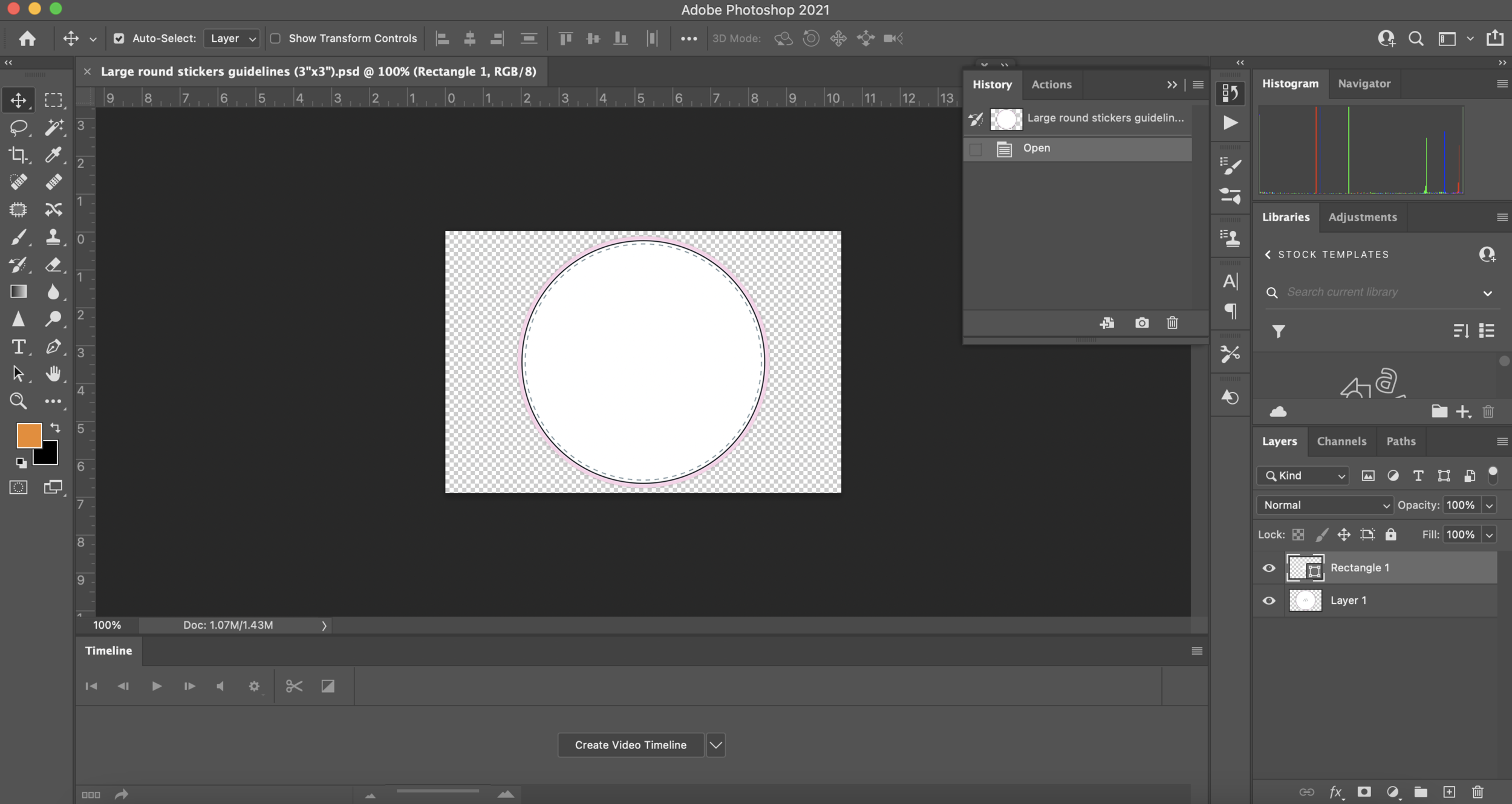
After creating the list of products I wanted to be on the website launch, I had to create product customizer templates so that people can edit their products online. These templates ranged from brochures, business cards, stickers/labels, and more. I able to do this by using Adobe Photoshop. After the product template is created, I then go to the backend of our website and upload it to our product customizer plugin. I can create boundaries and determine where and how a customer can edit their products.
-
5) Product & Brand Graphic Design
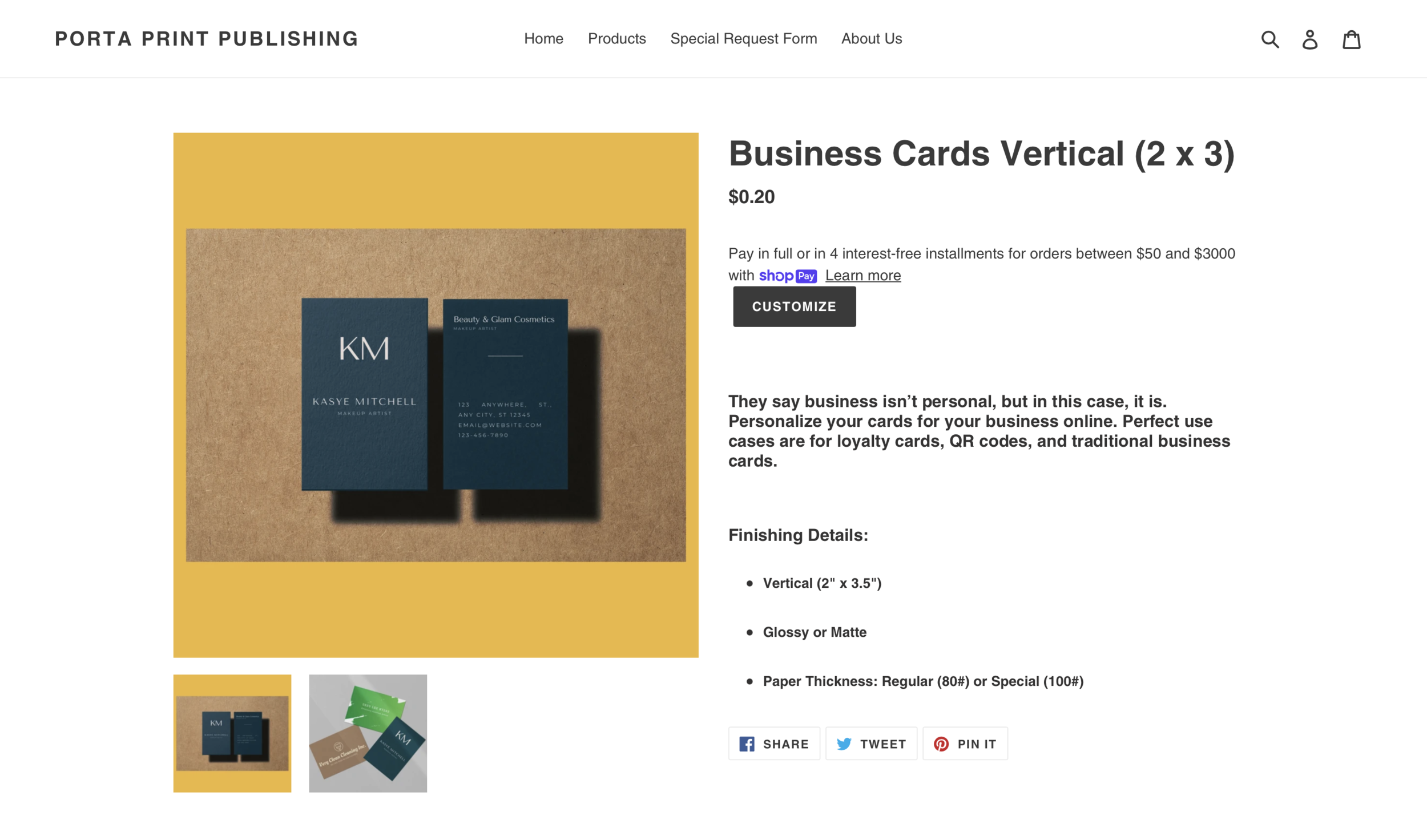
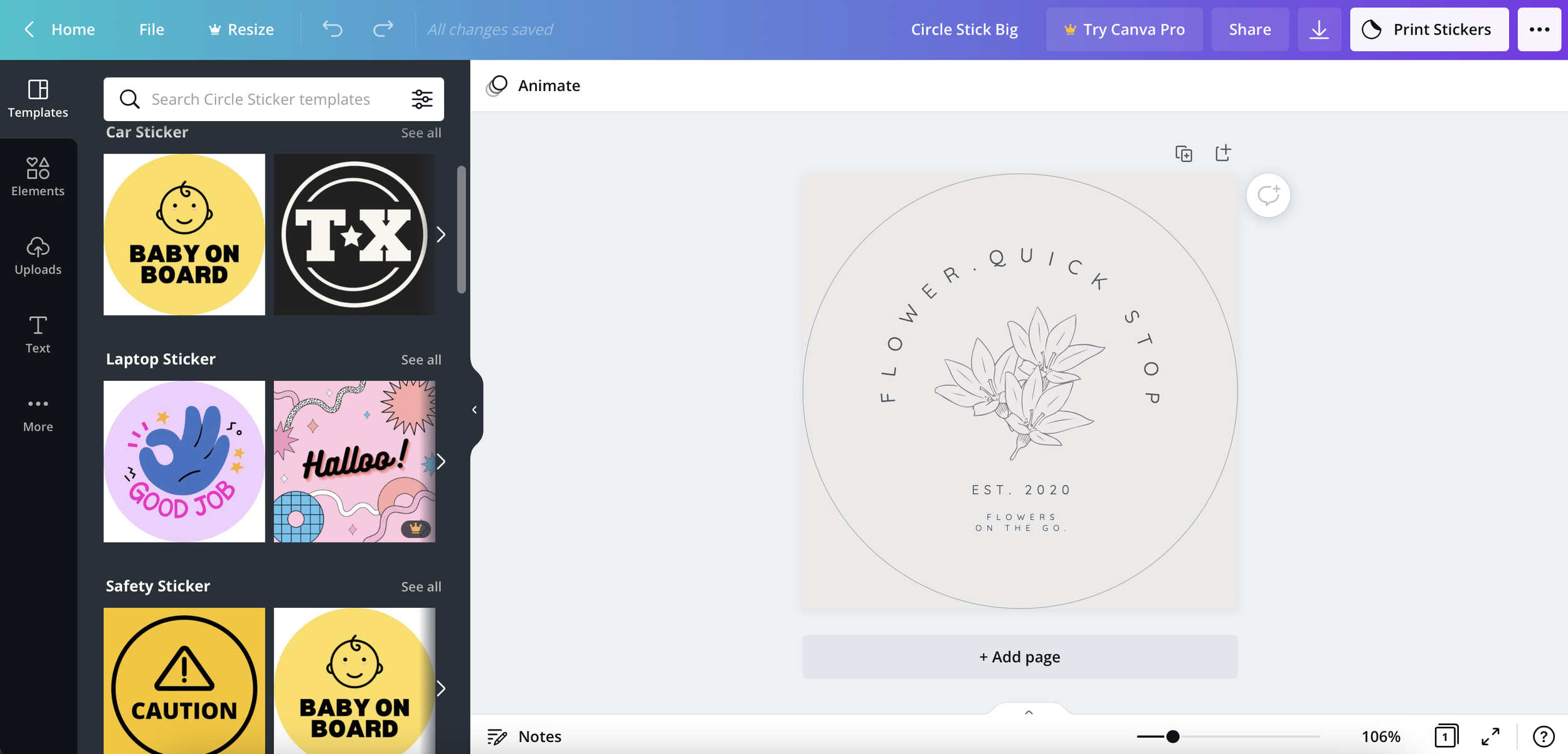
In this next step, I needed graphic designs to be created for the products. I already had images in place for my website, but they weren’t owned by Porta Print Publishing. (They were random images I found on the Internet.) They were just sample images used as a placeholder to help my supervisor understand the concept of the website. In order to create the graphic design, I dreadfully opened Adobe Photoshop. I knew that it would take up plenty of time to create and develop designs. Until I remembered that Canva had remade designs that I can use and slightly alter to make them unique. Here’s a sample design I made for vertical business cards.
-
6) Product Mock-Ups
The final part to building the e-commerce website was doing the product photography for each product. By now, I’m already exhausted. I’ve been working on this project alone for 2 months. I no longer wanted any part in this process. In order to do product photography for 20~ products, I’d have to plan multiple photoshoots for different products. Although I love photography, I don’t think I’d have the energy to complete that entirely by myself. Luckily, a few days after hitting this obstacle, I was targeted for a skippable AD to use a software that would help me create beautiful product mock-ups, cutting down the time of completion for this process significantly. Here’s one of my favorite product mock-ups. (2” x 6” Bookmark)
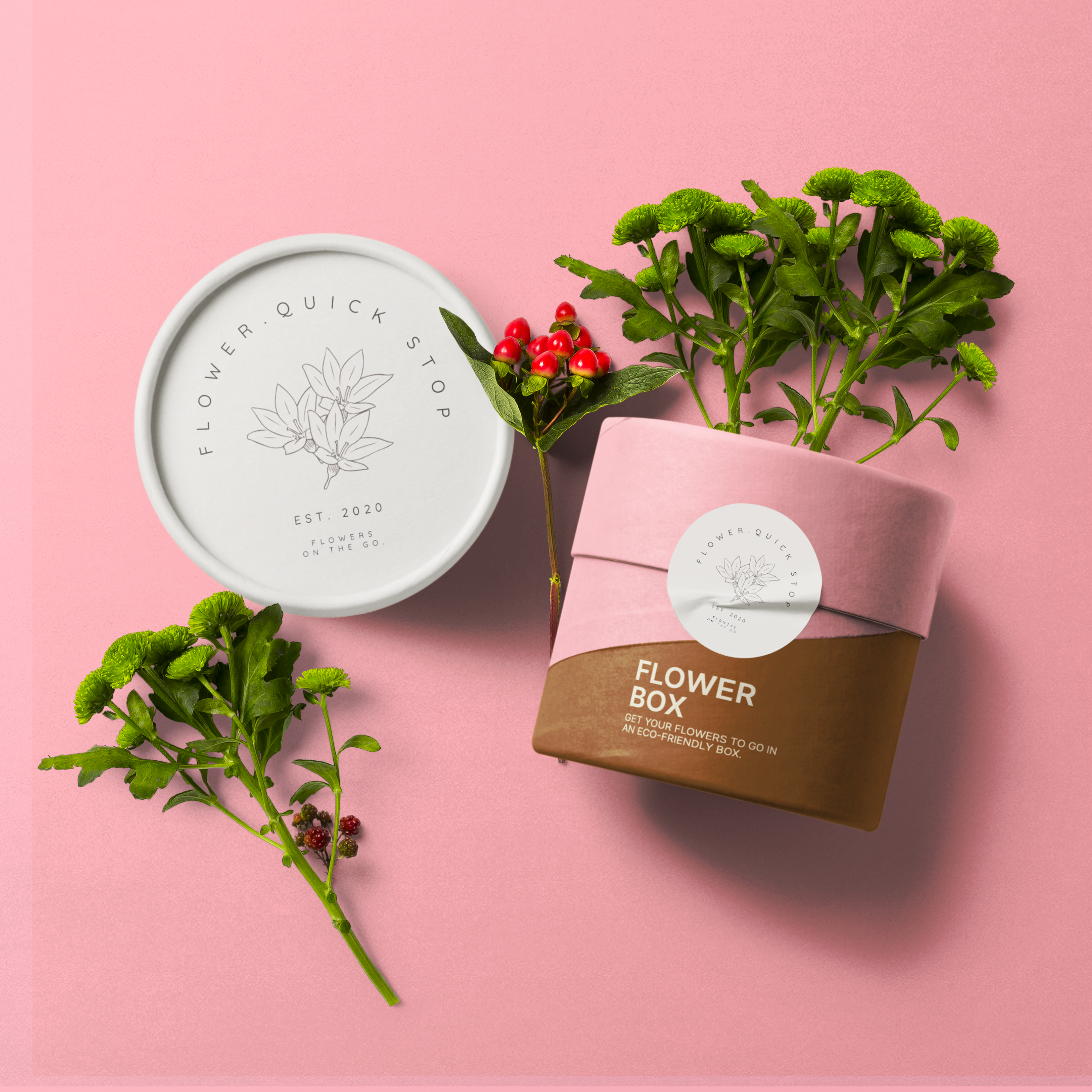
Here’s the final product.